MW Tiles v2
Coming soon

MW Tiles v2

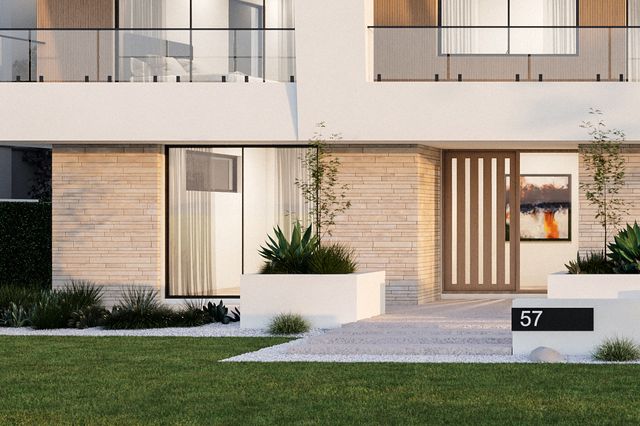
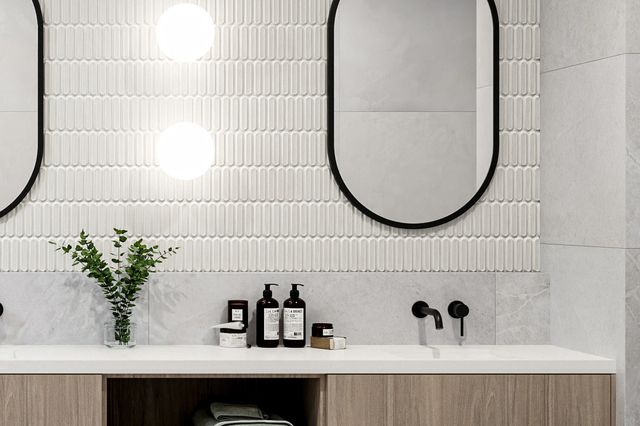
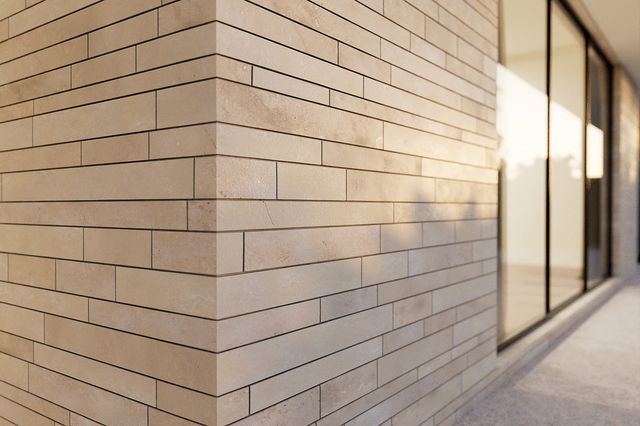
Every hard surface on the building, from one procedural library. Brick, tile, stone, pavers, shingles, sheet metal and cladding for 3ds Max, built to look right under displacement.
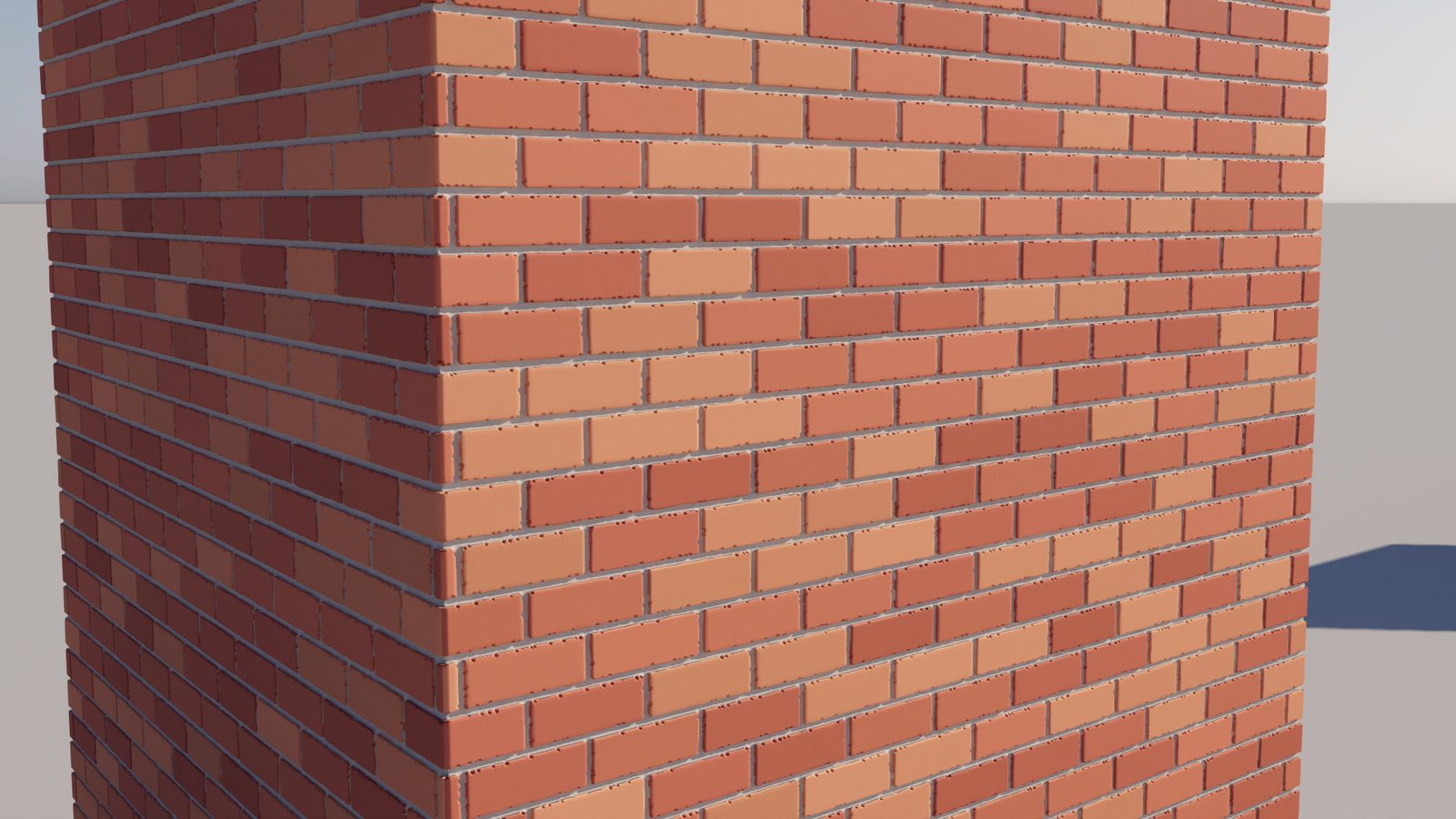
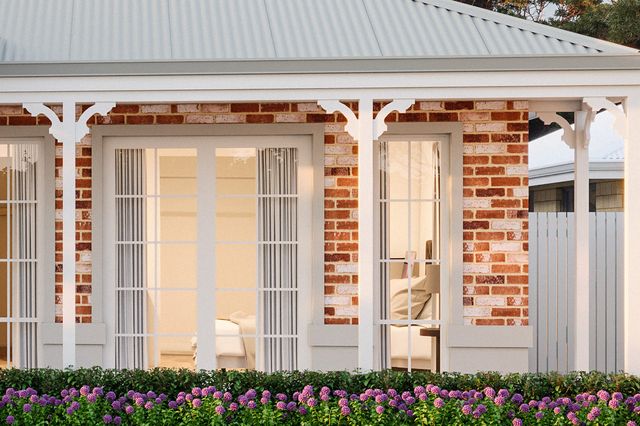
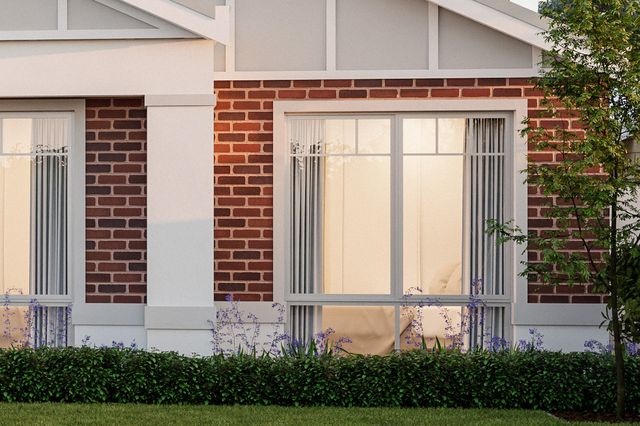
Tumbled brick wall rendered with MW Tiles v2 and displacement
10Shaders
130+Presets
OSLV-Ray, Corona, Arnold
What's new

Twice the shaders. Far better up close.

v2 is a ground-up rework. The five original shaders are rebuilt, five more join them, and the whole set is tuned for close-up displacement.

Five new shaders

Fan cobbles, decorative pavers, shingles, sheet metal and cladding. Roofs, walls and ground, all covered.

Displacement that holds up

Clean tile edges with no spikes, a soft step where tile meets grout, and heights that never clip.

Real mortar joints

The joint profile fits the gap: finger-tooled, V, flush or beaded, with crisp corners where joints meet.

130+ presets at real scale

Bricks are brick-sized. Load a preset, set one UV to one metre, and it is right first time.

Character built in

Tumbled edges, chips, random tilt and height, rough-cut stone, hand-split shakes. Perfect is optional.

Ready for your textures

Per-tile UVs with random flips, a normal output, and a node that keeps normal maps correct on rotated tiles.

The collection

Ten shaders, one way of working

Every shader shares the same controls and outputs, so what you learn on one applies to all.
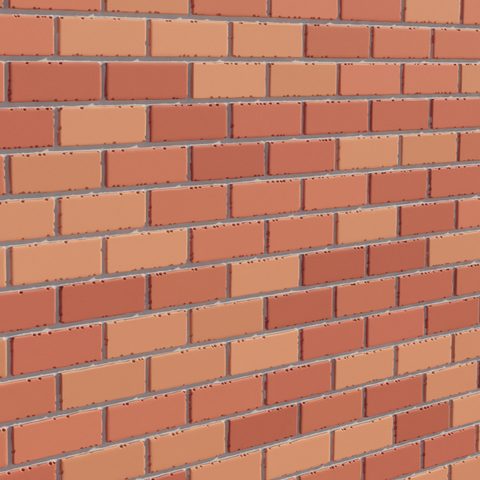
Advanced Tiles

Advanced Tiles

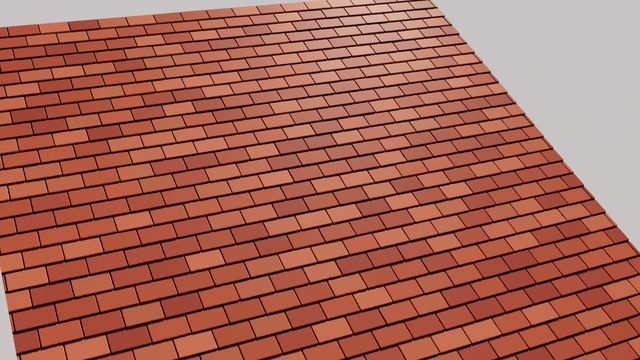
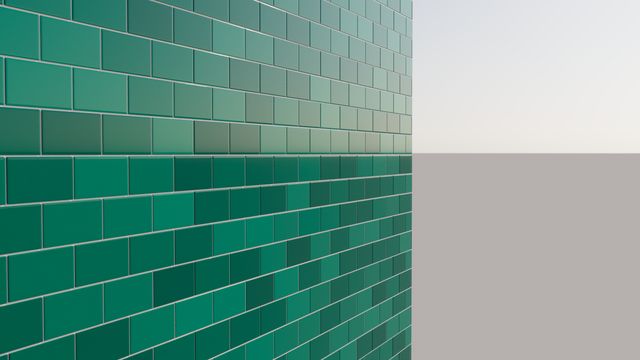
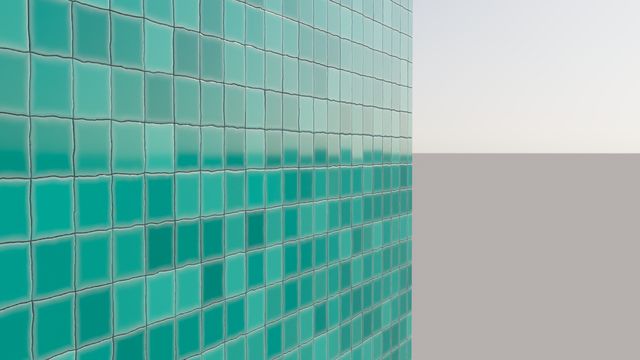
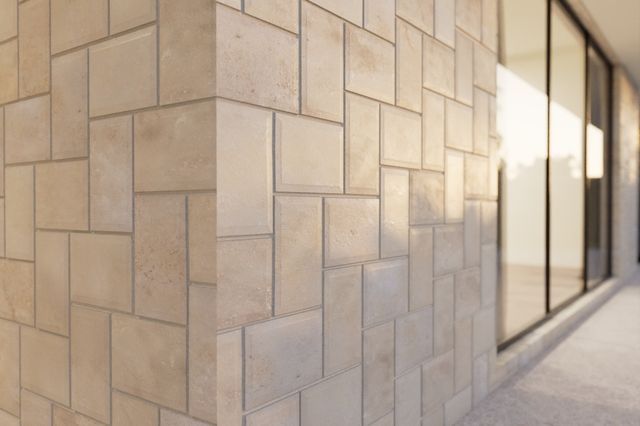
Brick bonds, wall and floor tile, planks, roof tiles.
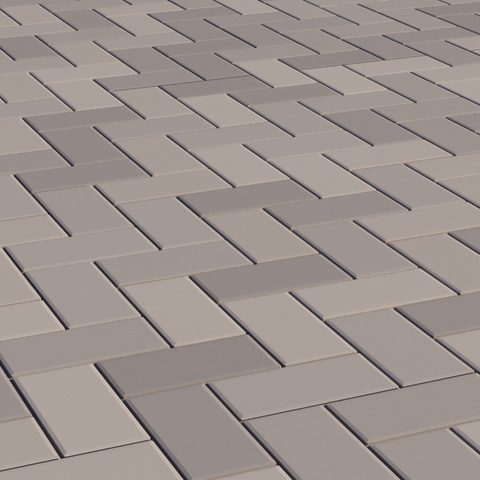
Herringbone

Herringbone

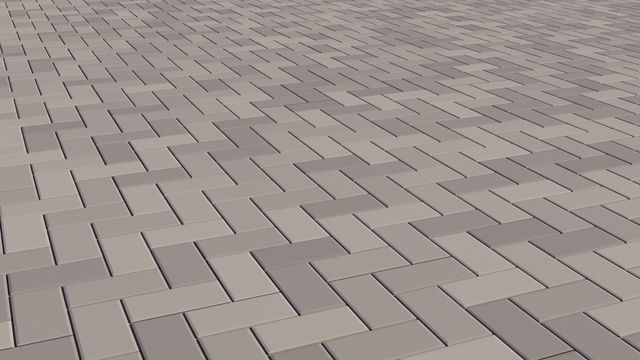
Herringbone and chevron, parquet to pavers.
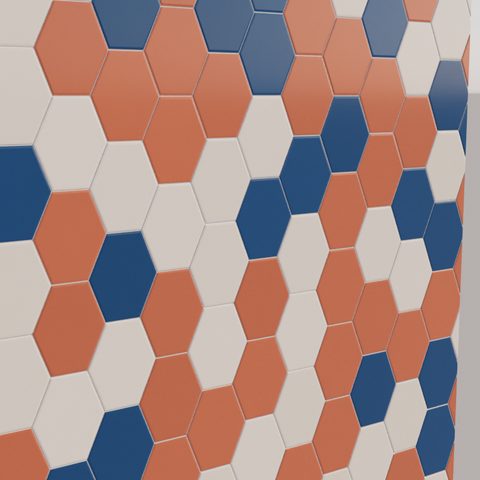
Hex Tiles

Hex Tiles

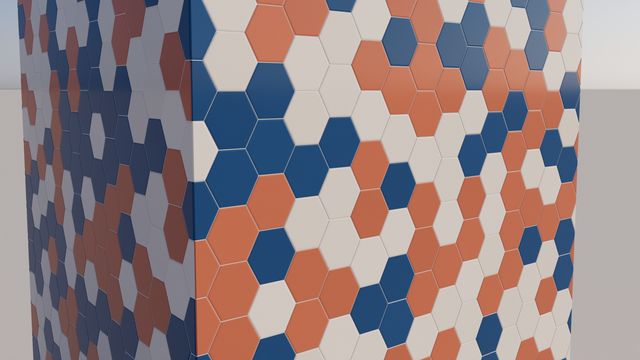
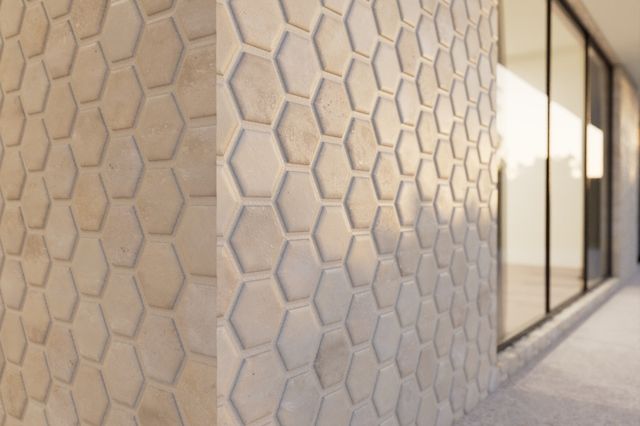
Hexagons, pickets, penny rounds, triangles.
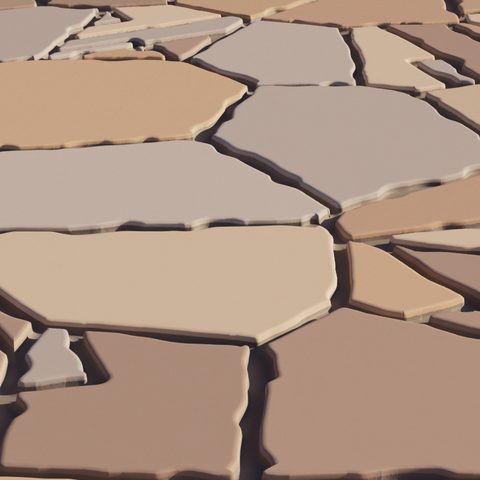
Stone Tiles

Stone Tiles

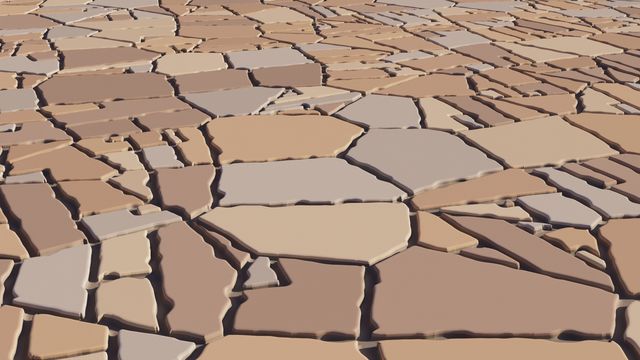
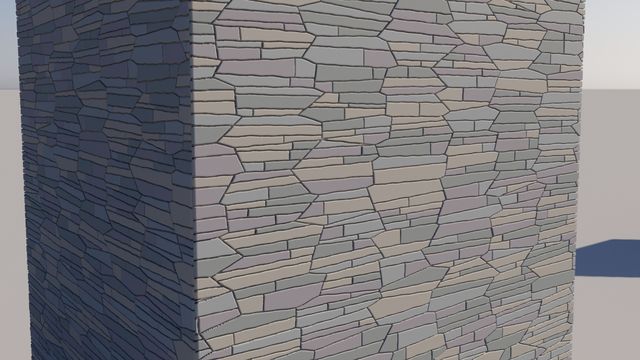
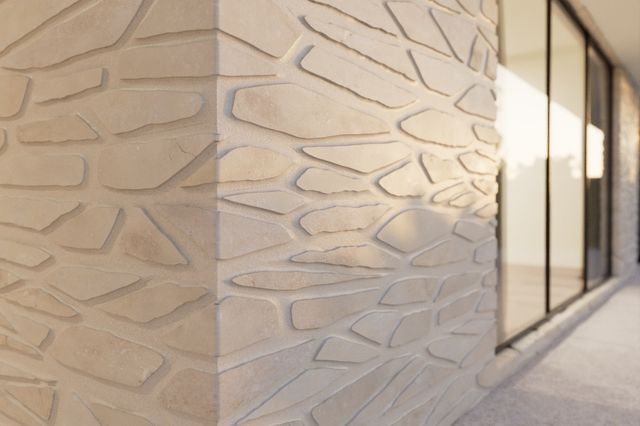
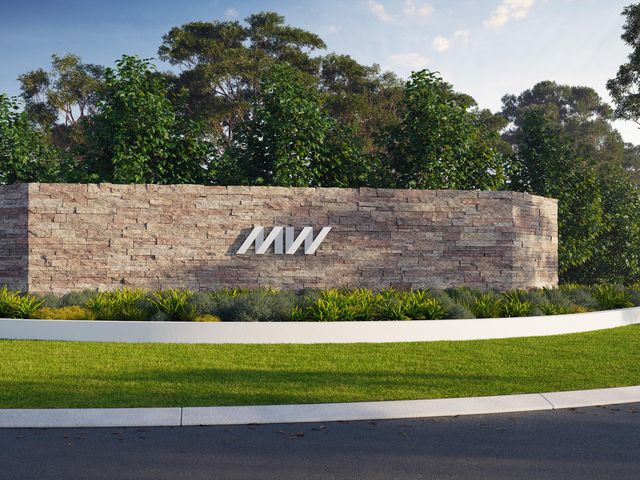
Flagstone, cobbles, ledgestone, rubble.
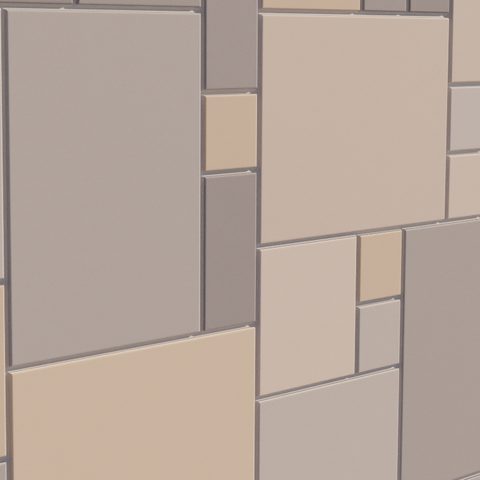
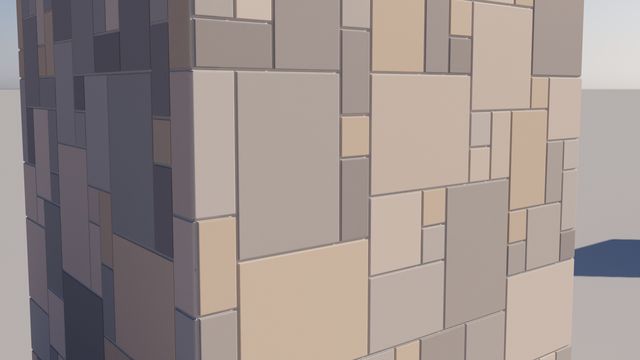
Ashlar Tiles

Ashlar Tiles

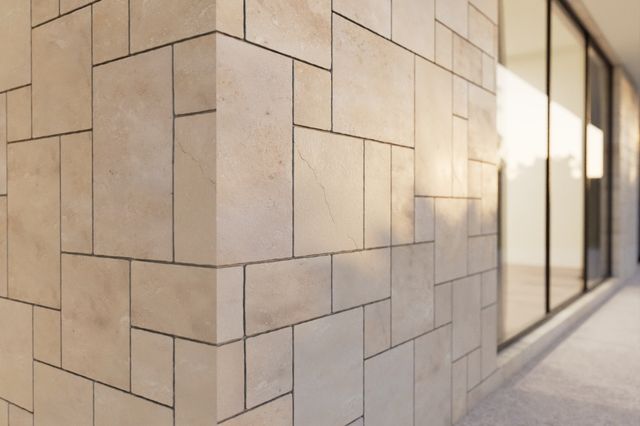
Coursed, random and French-pattern stone.
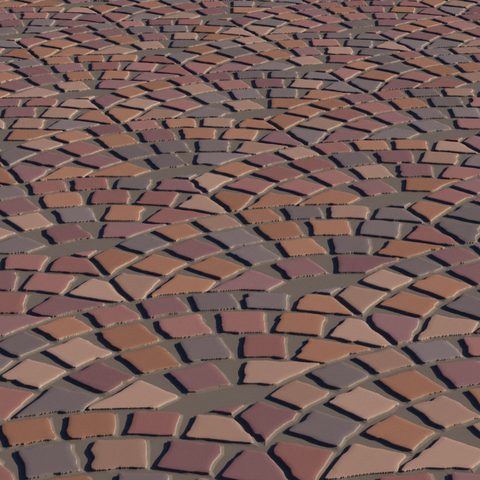
Fan Tiles

Fan Tiles New

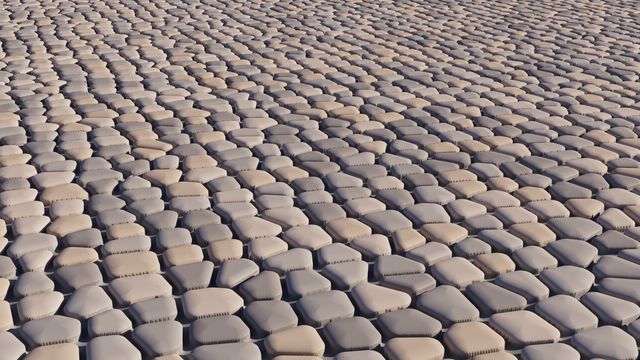
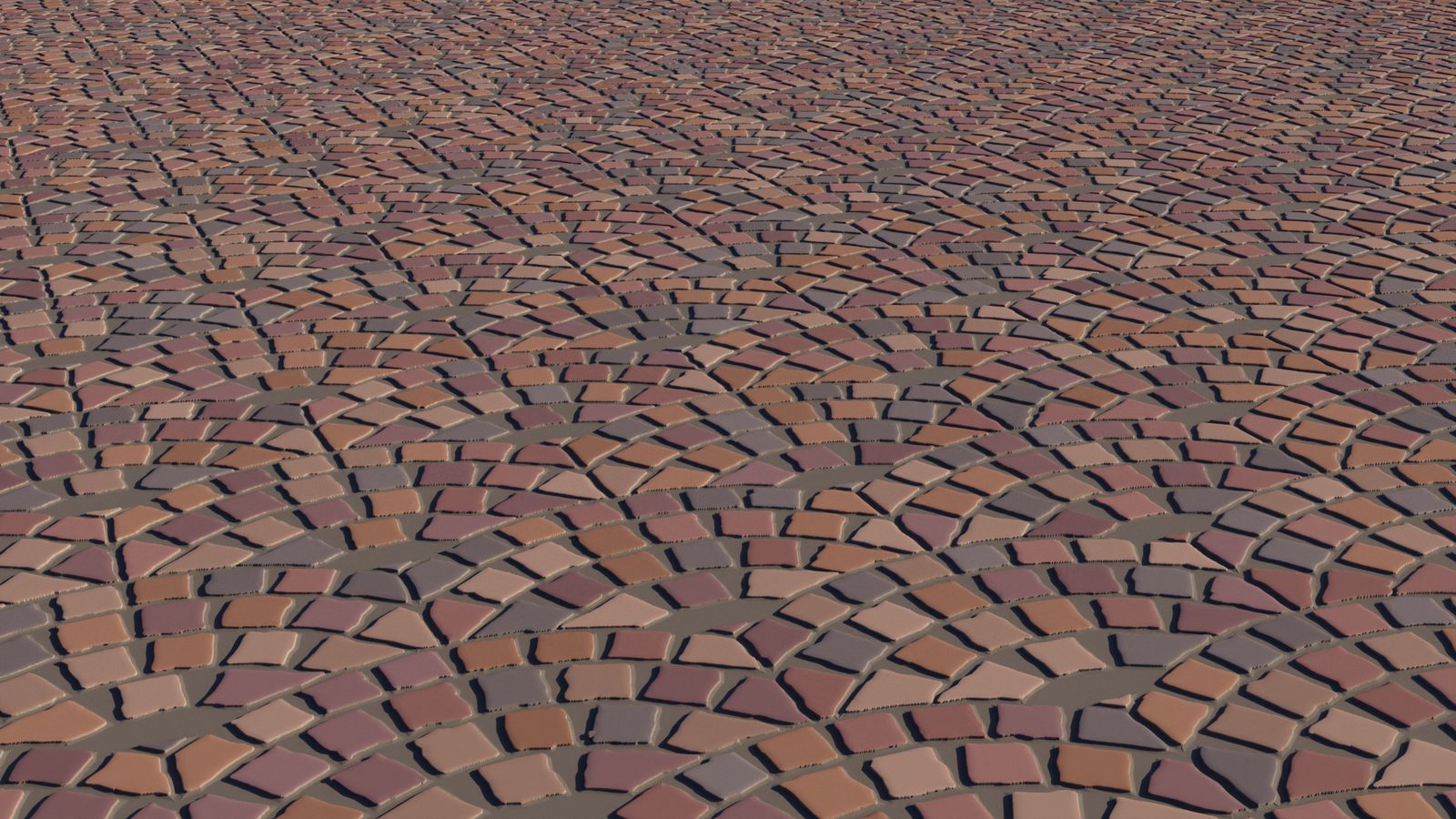
Cobble fans, porphyry, radial paving, fish scale.
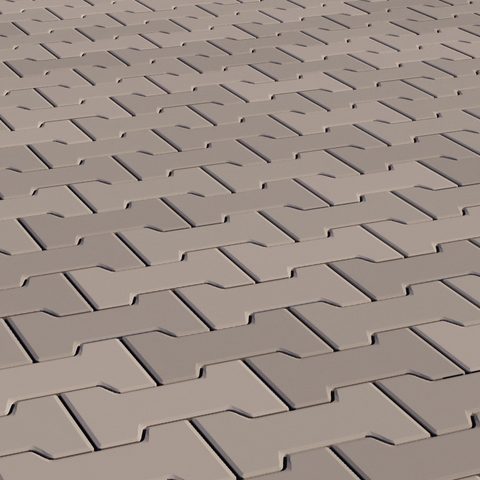
Decorative Tiles

Decorative New

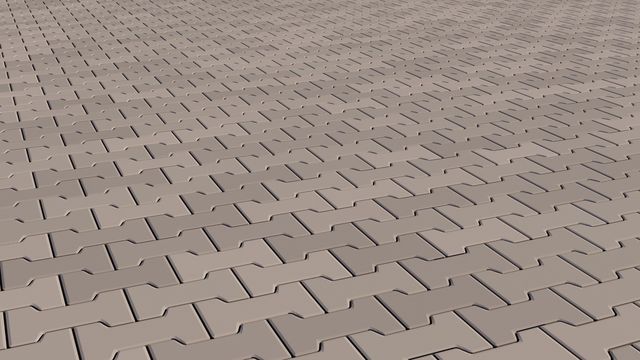
Hopscotch, basketweave, windmill, Uni and dogbone pavers.
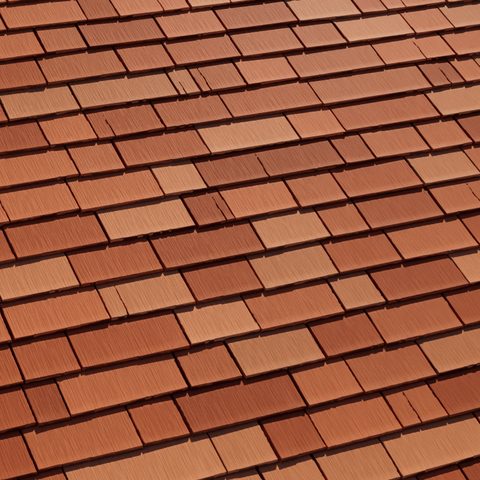
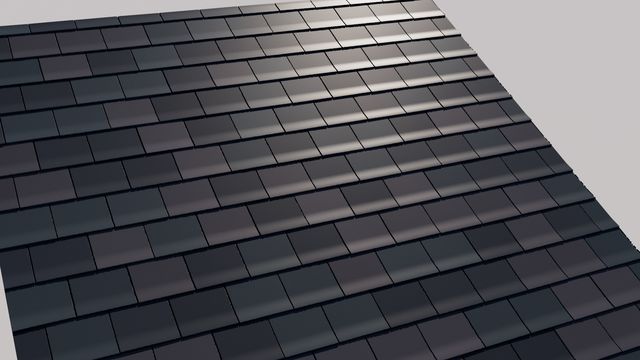
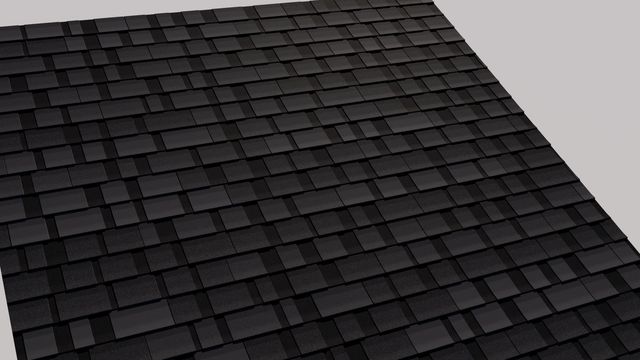
Shingles

Shingles New

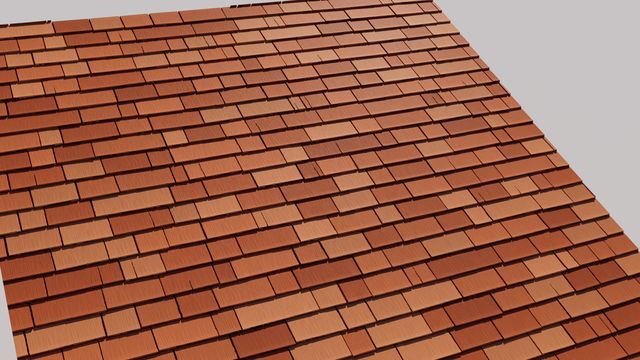
Cedar, slate and asphalt, with layered thickness.
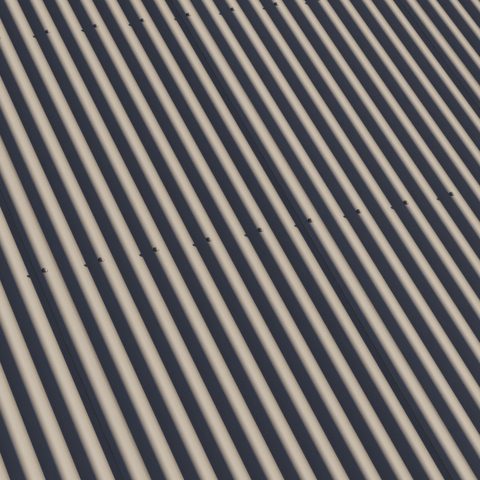
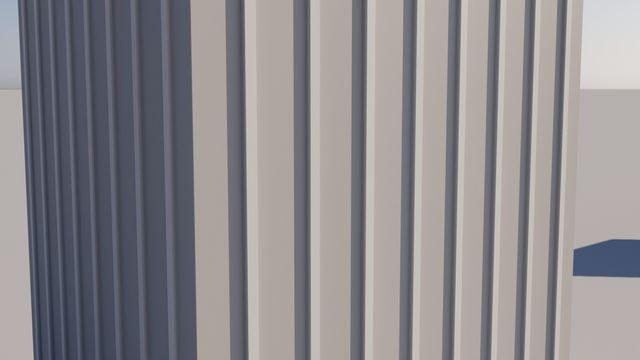
Sheet Metal

Sheet Metal New

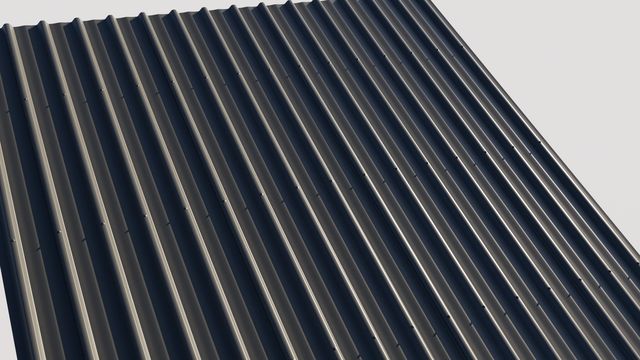
Industry roofing profiles and colours, with laps and fixings.
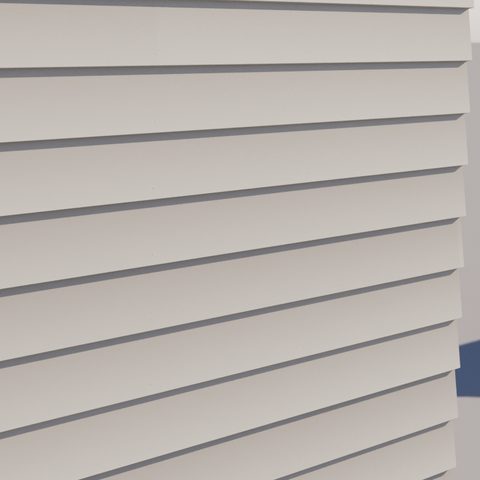
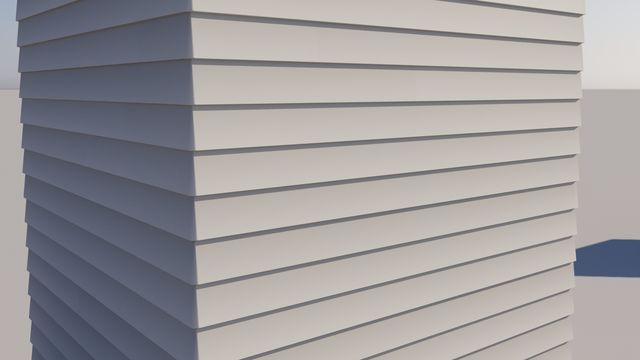
Cladding

Cladding New

Weatherboards, shiplap, grooved panels, board and batten.
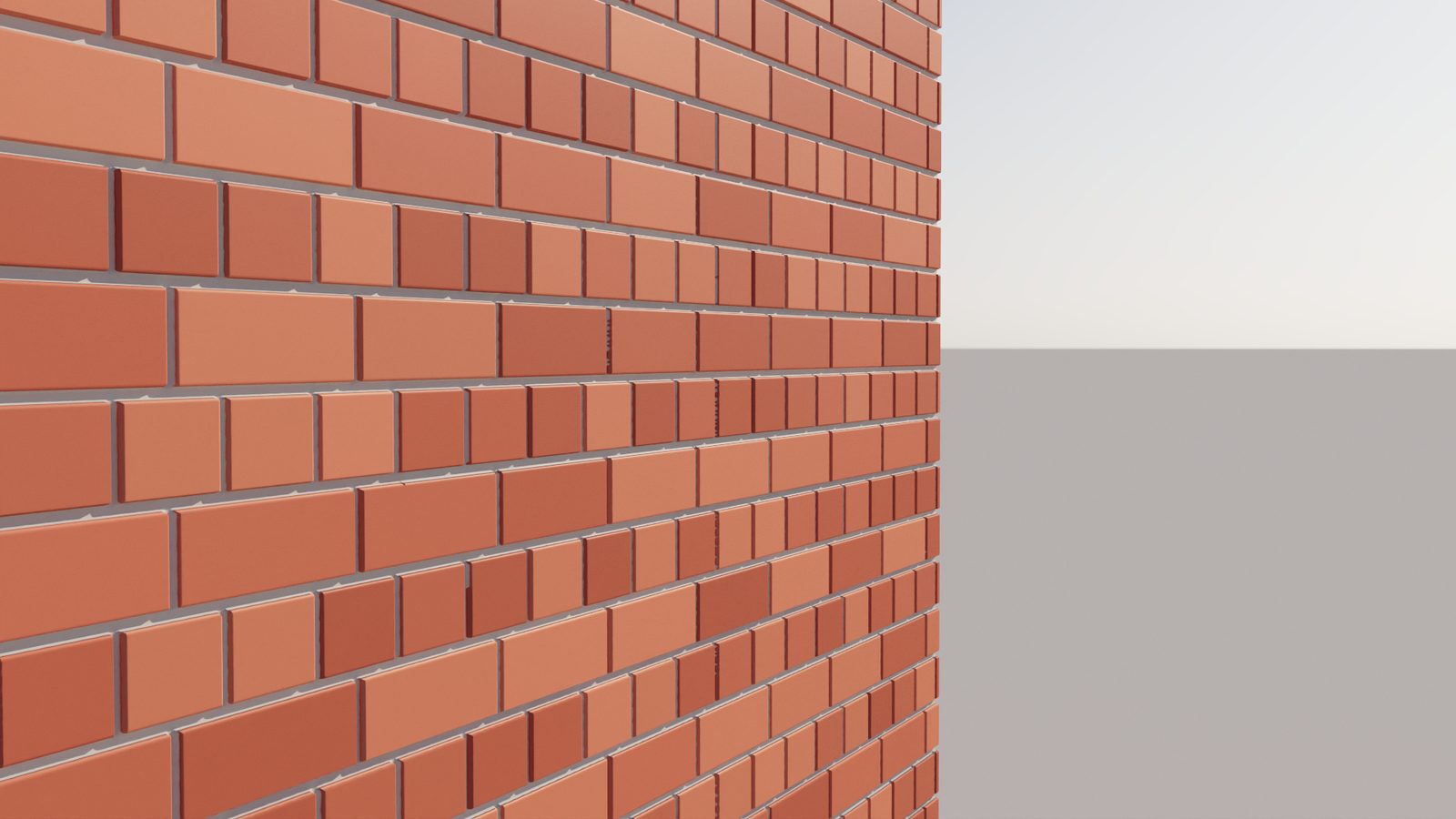
English bond brickwork close-up with displaced mortar joints
Displacement

Close-ups without the clean-up

The original was built for bump. v2 is built for displacement: joints meet smoothly in the middle, edges stay clean, and tilted bricks stay flat.
  • Joint profile fits the gap, with sharp mitred junctions
  • Edge Step softens the wall between tile and grout
  • Heights stay inside the 0 to 1 range renderers expect
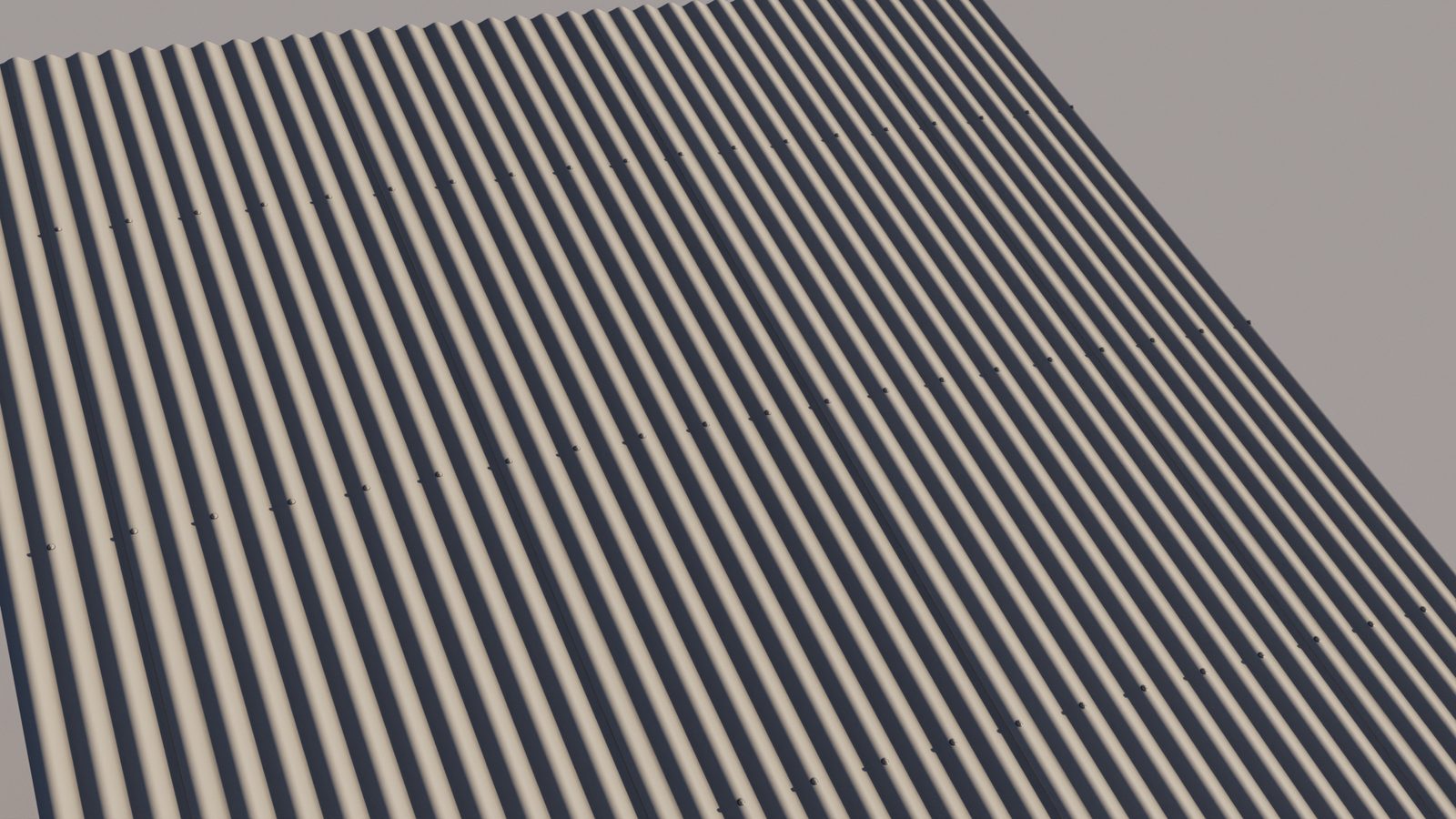
Corrugated sheet metal roof in a warm industry colour, with laps and fixings
Roofs and walls

Beyond the floor

Shingles overlap with real thickness. Sheet metal uses industry roofing profiles and colours, with laps and fixings. Cladding boards interlock the way they are installed.
  • Cedar, slate, asphalt 3-tab and architectural shingles
  • Industry sheet metal profiles and colours: corrugated, trapezoidal, standing seam
  • Weatherboard, shiplap, grooved panel and batten walls
Porphyry fan cobbles with displacement
Presets

Right size, first time

More than 130 presets modelled on real products. Set one UV to one metre and bricks, pavers and boards come in at true size. A preset editor in 3ds Max lets you save your own.

  • Brick bonds, subway and floor tile, parquet, pavers, stone
  • Seamless tiling on every tile shader, for baking
  • Save and share your own presets from inside Max
In detail

Every shader, feature by feature

Open any shader to see what it does. Start with the first entry: those controls are shared by every tile shader.

In every tile shader The shared toolkit
  • Grout: up to 6 joint widths, colour, height, and a profile that fits the joint (concave, V, flush or beaded)
  • Sharp corners: joints keep crisp, mitred junctions even with rounded tiles
  • Tile edges: bevel width, strength and curve, plus corner roundness
  • Displacement: Edge Step softens the tile-to-grout wall; Keep Bump in 0-1 stops heights clipping
  • Variation: random rotation, offset, scale, tilt and height per tile
  • Colour: up to 6 tile colours, in order or at random, with brightness variation and edge wear
  • Edge roughness: smooth or faceted, shared between neighbours so joints stay even
  • Seamless tiling: repeats exactly across UV 0-1 for baking, with an on-screen guide
  • Per-tile UVs: fitted or real scale, with random offset, flip and 90 degree rotation
  • Outputs: Col, Bump, TileMask, Tile, Index, UV, TileRot, RandomValue, EdgeDist, TileCenter
  • Normal outputs: a tangent-space Normal, and UV Axis U / V for fixing texture normals
  • Presets: real-scale presets in every shader, and a preset editor to save your own
Advanced Tiles Brick, wall and floor tile, planks, roof tiles
  • Three layout modes: Running Random, Running Sequential and Fixed Width Sequential
  • Up to 6 tile widths, row heights and row offsets
  • Brick bonds as presets: stretcher, stack, English, Flemish
  • Split tiles: horizontal, vertical, alternating, random and T splits
  • V Skew for chevron and zigzag rows
  • Pattern angle: straight, diagonal or any angle
  • Penny rounds: each tile becomes the largest circle that fits
  • Tumbled Brick: uneven corners, wandering edges and chipped arrises
  • Tilt X / Y: a uniform tilt for overlapping roof tile courses
  • Presets include subway, floor tile, zellige, plank floor and roof tiles
Herringbone Tiles Herringbone and chevron, parquet to pavers
  • Herringbone or chevron, switched with one control
  • Chevron angle from shallow to steep
  • Classic (0/90) or diagonal (45) layout
  • Free tile length and width, from slim parquet to wide pavers
  • Split tiles along or across, for double herringbone
  • UVs follow each tile's direction, so timber grain runs the right way
Hex Tiles Hexagons, pickets, penny rounds, triangles
  • Flat Edge, Point and Height multipliers: elongated hexagons and picket tiles
  • Circle shape for hex-packed penny rounds
  • Split hexagons into halves, quads and triangles, copied or at random
  • Split rotation and skip controls for mixed layouts
  • Colour sequencing by column
Stone Tiles Flagstone, cobbles, ledgestone, rubble
  • Irregular stones with control over size, jitter, aspect ratio and size variation
  • Split stones into pieces: random counts, uneven splits and cross splits
  • Cut-out stones: a corner notch filled by a smaller stone
  • Each piece rotates, shifts and scales on its own, like separately laid stone
  • Chipped edges, with amount, depth and scale
  • Dome Height for cobbles and pebbles
  • Presets include crazy paving, ledgestone cladding and mixed rubble
Ashlar Tiles Coursed, random and French-pattern stone
  • Four layouts: Pattern Library, Random Ashlar, Coursed Ashlar and Versailles (French)
  • Nine interlocking library patterns, mixed at random or picked by number
  • Layout variations for each style
  • Split stones along length, along width, alternating or at random
  • Stone UVs run along the long side of each block
Fan Tiles New Cobble fans, porphyry, radial paving, fish scale
  • Three modes: overlapping Fans, Radial rings around a centre, and Fish Scale
  • Keystones: round or polygon, any rotation, always shown or cut by the next fan
  • Stone layout: equal size (outer rings hold more) or fixed count (wedges)
  • Curved stones, or straight setts laid along the rings
  • Edge Fit where fans meet: cut, whole stones only, trim to fit, or even fit as in porphyry paving
  • Joint stagger: none, half or random
  • Extra outputs: Ring and Fan numbers
Decorative Tiles New Hopscotch, basketweave, windmill, Uni and dogbone pavers
  • Five patterns: Hopscotch, Basketweave with Inserts, Windmill, Octagon and Dot, Uni Paver
  • Uni pavers in two shapes: Classic Uni and Dogbone
  • Uni layouts: running bond, stacked, or doubled and rotated
  • Separate colour, height and roundness for each tile type in the pattern
  • Bend roundness on interlocking paver outlines
  • Extra output: Role (which tile type)
Shingles New Cedar, slate and asphalt, with layered thickness
  • Three styles: individual shingles (wood, slate, fancy cut), asphalt 3-tab and architectural
  • Real sizes in millimetres: exposure, length, widths and thickness
  • Courses overlap properly, each shingle covering the ones below
  • Butt shapes: straight, fish scale, diamond, hexagonal, rounded and wavy
  • Staggered and jittered butts, slanted joints, double coursing
  • Wood grain, splits, curl and tilt for hand-split shakes
  • Granules, shadow bands and cut-outs for asphalt
  • Weathering, moss and streaks
  • Separate butt end face with its own UVs and colour
  • Displacement output at real height
Sheet Metal New Industry roofing profiles and colours
  • Ten industry roofing profiles traced from manufacturer drawings: corrugated, trapezoidal and standing seam
  • Custom profile: set your own rib spacing, height and shape
  • 29 industry roofing colours, including matt finishes, plus any custom colour
  • Colours converted for your rendering space (sRGB, ACEScg and others)
  • Side laps, end laps and sheet lengths, with stagger
  • Fasteners: hex head with seal or dome head, through crests or pans, at set spacings
  • Weathering: oil canning, dirt and fastener streaks
  • Displacement output at real height, in real millimetres
Cladding New Weatherboards, shiplap, grooved panels, board and batten
  • Horizontal or vertical boards, with real cover width, thickness and lap step
  • Groove shapes: square, V, round, slanted and ogee
  • Edge chamfer and rounding on every profile
  • Boards interlock, so each one is partly covered by the next
  • End joints: random stagger, half bond, third bond or aligned
  • Nail or screw heads at set spacings
  • Surface textures for timber and fibre cement, with weathering and streaks
  • Presets for weatherboards, grooved boards and panels, louvres, castellated boards and board and batten
  • Displacement output at real height
MW Normal Combine New Correct normal maps on flipped and rotated tiles
  • Fixes normal maps looked up with a tile shader's UVs, so flipped or rotated tiles shade correctly
  • Mixes a tile normal and a grout normal using the Tile Mask
  • Lays that detail over the tile shader's own Normal output, so texture follows bevels and tilted tiles
  • Separate strength for each input
  • OpenGL or DirectX normal maps, in and out
  • Works as a plain fixer or blender when inputs are left empty
MW Height To Normal New Turn a height image into a normal map
  • Converts a height, bump or displacement image into a tangent-space normal map
  • Height Scale sets the real depth of the relief
  • Sample distance in pixels: sharper or softer normals
  • Pick the height channel, or invert it
  • Takes a tile shader's UVs, so each tile can carry its own detail
  • OpenGL or DirectX output
MW Tiles and v2

What changed

MW TilesMW Tiles v2
Shaders5 tile shaders10 shaders, plus two normal-map nodes
SurfacesFloors and wallsFloors, walls, roofs and cladding
PresetsA starter set in Advanced Tiles130+ across every shader, at real scale, with a preset editor
DisplacementBest with bumpTuned for displacement: clean edges, fitted joints, no clipping
GroutFalloff curve per sideProfile fitted to the joint: concave, V, flush or beaded
Seamless tilingExperimentalBuilt into every tile shader, with an on-screen guide
Wear and variationEdge wear, colour varianceAdds tumbled edges, chips, tilt, height offset, rough-cut edges
Your own texturesPer-tile UVsAdds random flip and rotation, normal output and normal-map fixing
Gallery

Rendered in 3ds Max

Production renders, and shipped presets rendered with displacement straight from the shaders.
Questions

Before you ask

Which renderers does it work with?

Any renderer that supports OSL in 3ds Max, including V-Ray, Corona and Arnold.

Which version of 3ds Max do I need?

v2 is built and tested in 3ds Max 2027.

Will my existing scenes still work?

Yes. v2 installs alongside the original under its own names, so existing scenes keep rendering exactly as they did.

When is it out?

Soon. Follow on YouTube to hear the moment it lands.

MW Tiles v2 is on its way

Follow on YouTube for the release and walkthroughs. The original MW Tiles is available today.