
Every hard surface on the building, from one procedural library. Brick, tile, stone, pavers, shingles, sheet metal and cladding for 3ds Max, built to look right under displacement.
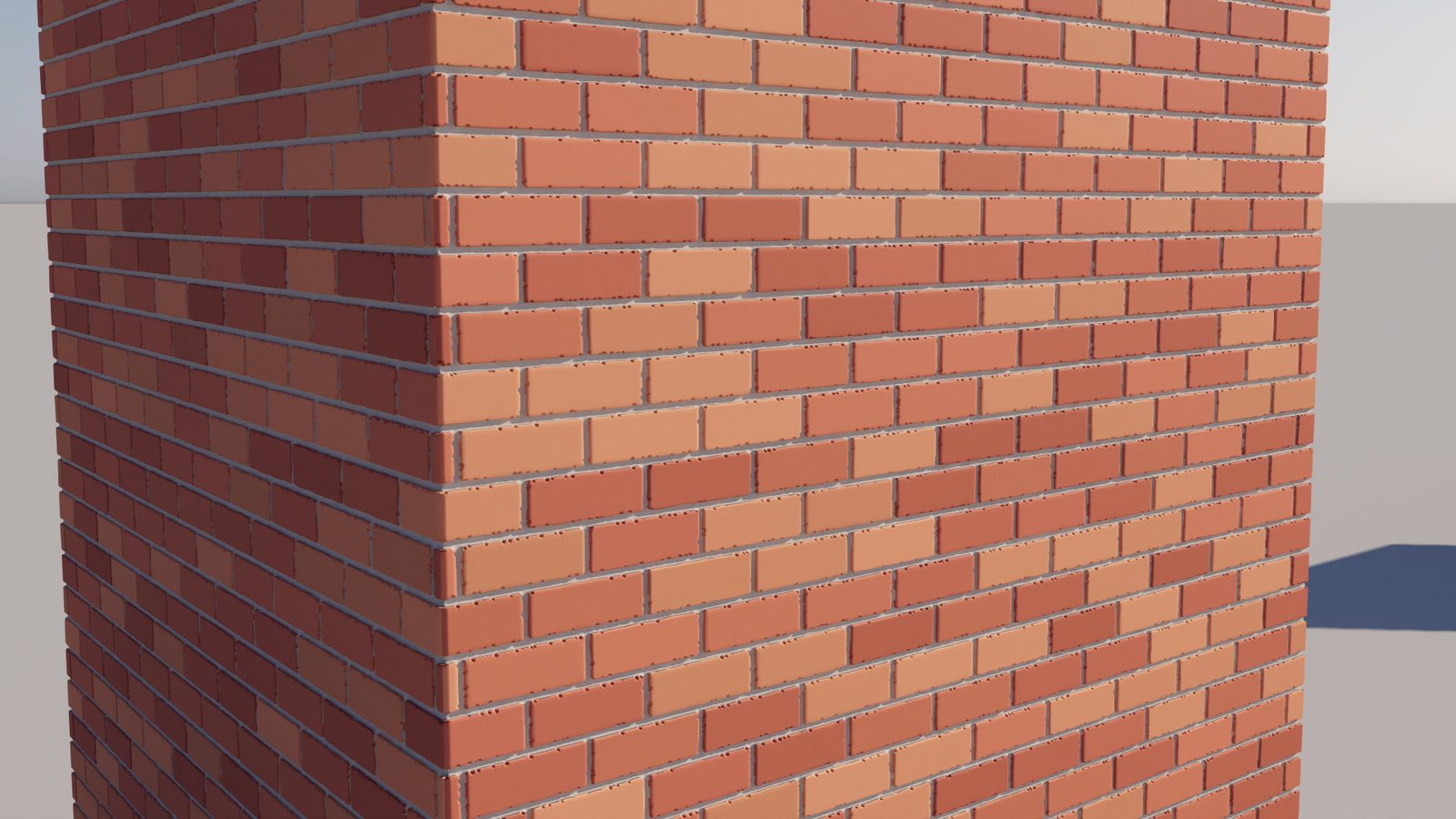
v2 is a ground-up rework. The five original shaders are rebuilt, five more join them, and the whole set is tuned for close-up displacement.
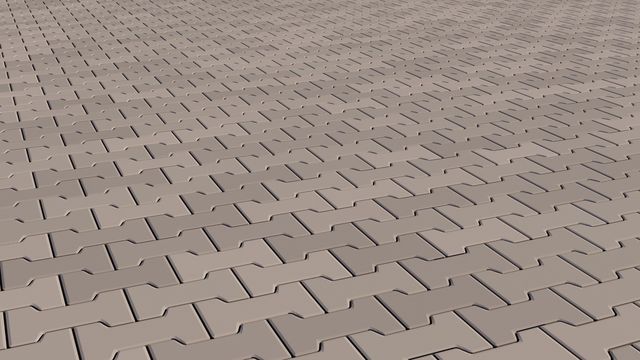
Fan cobbles, decorative pavers, shingles, sheet metal and cladding. Roofs, walls and ground, all covered.
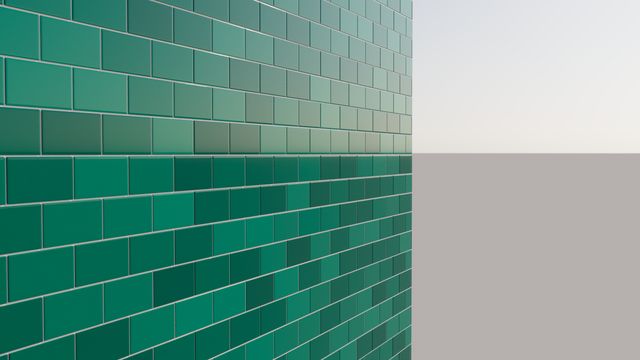
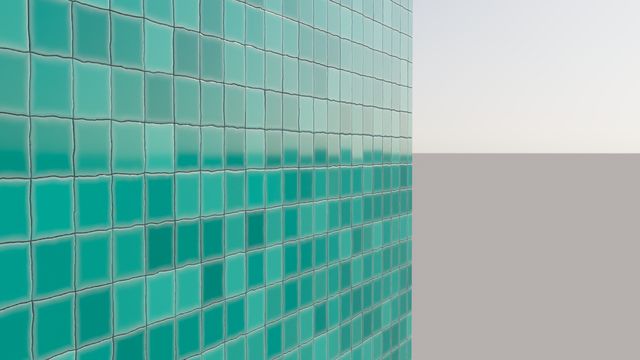
Clean tile edges with no spikes, a soft step where tile meets grout, and heights that never clip.
The joint profile fits the gap: finger-tooled, V, flush or beaded, with crisp corners where joints meet.
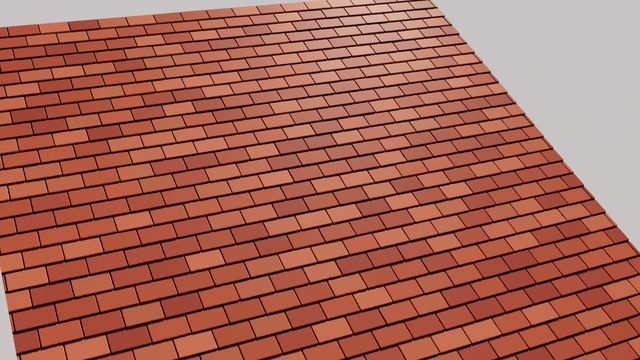
Bricks are brick-sized. Load a preset, set one UV to one metre, and it is right first time.
Tumbled edges, chips, random tilt and height, rough-cut stone, hand-split shakes. Perfect is optional.
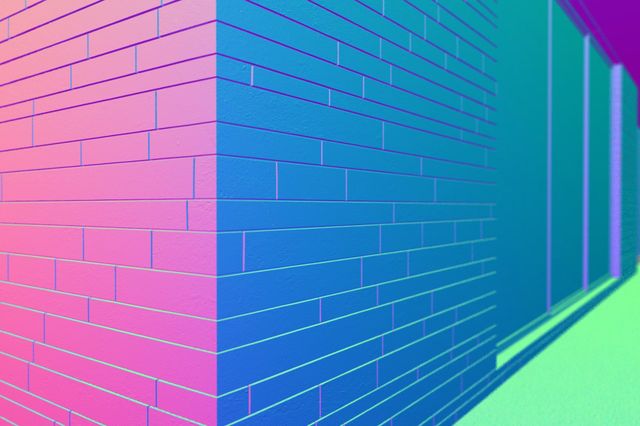
Per-tile UVs with random flips, a normal output, and a node that keeps normal maps correct on rotated tiles.
Every shader shares the same controls and outputs, so what you learn on one applies to all.
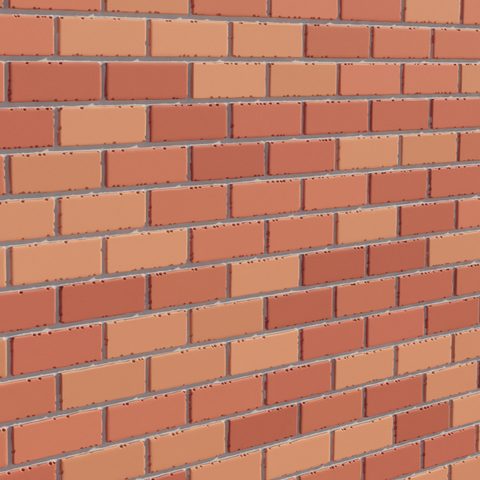
Brick bonds, wall and floor tile, planks, roof tiles.
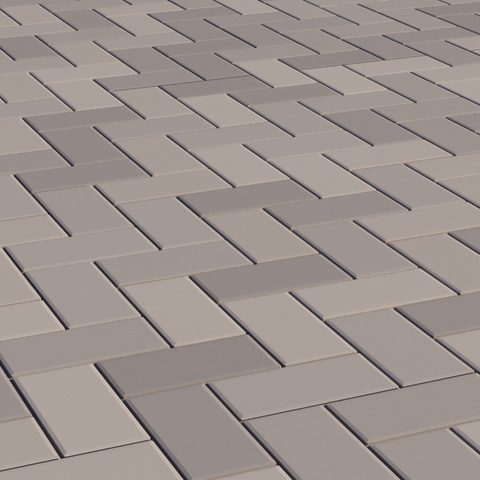
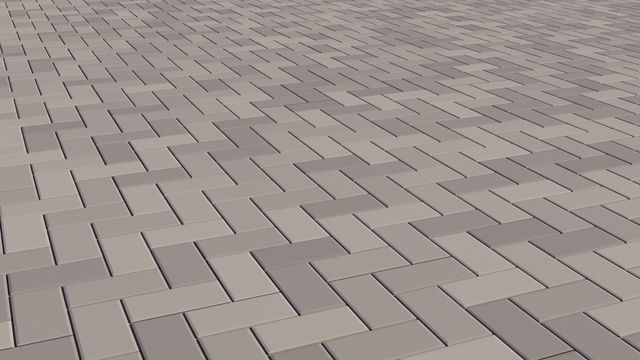
Herringbone and chevron, parquet to pavers.
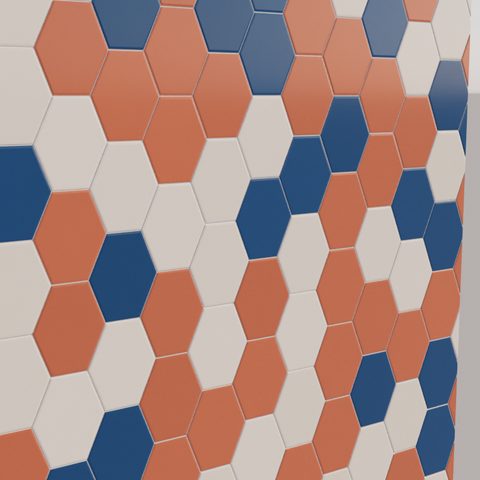
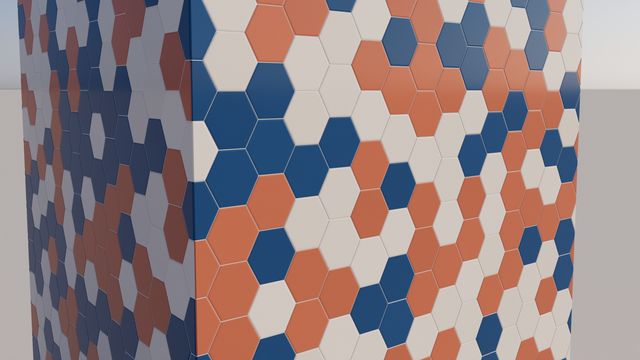
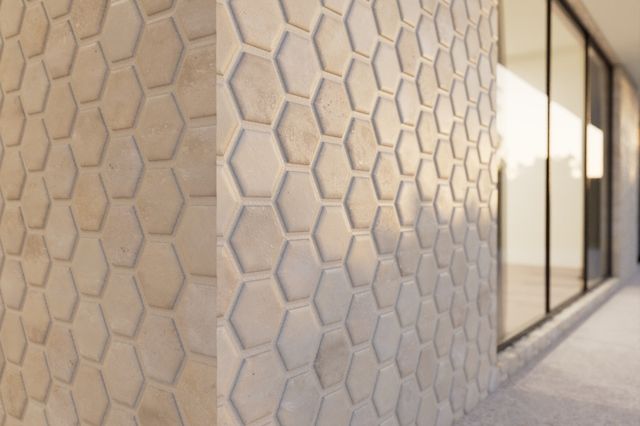
Hexagons, pickets, penny rounds, triangles.
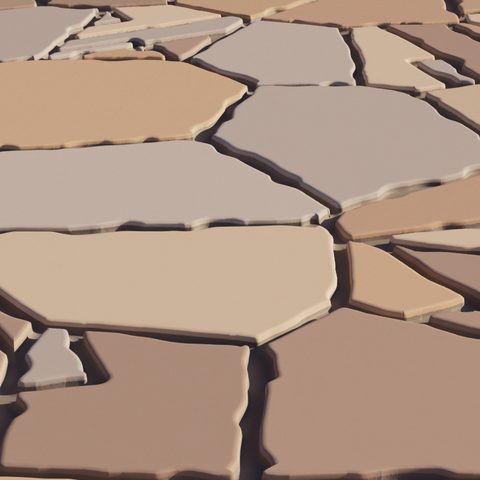
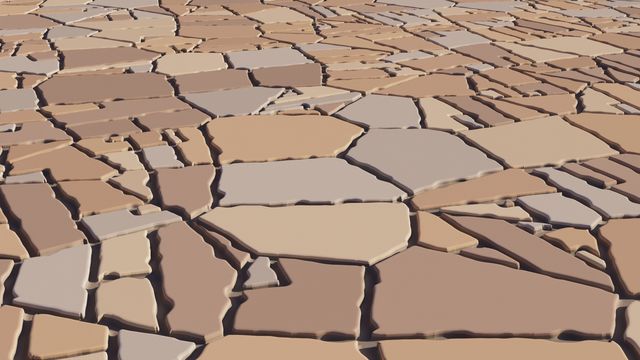
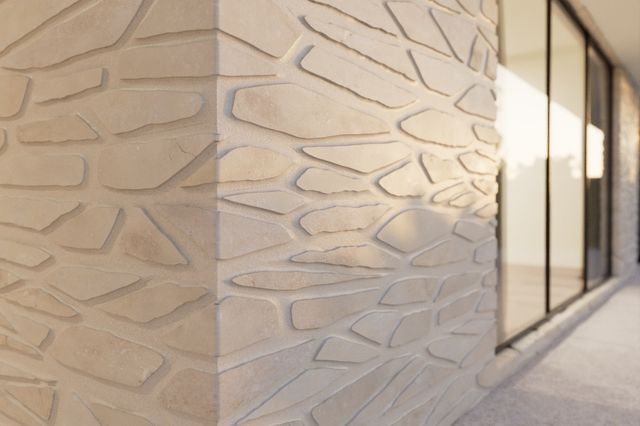
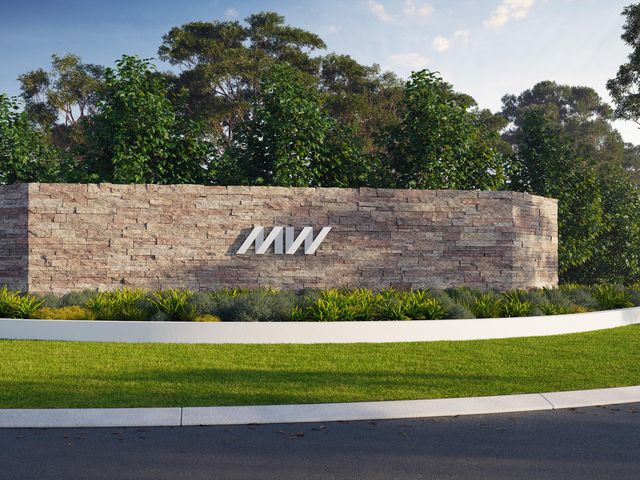
Flagstone, cobbles, ledgestone, rubble.
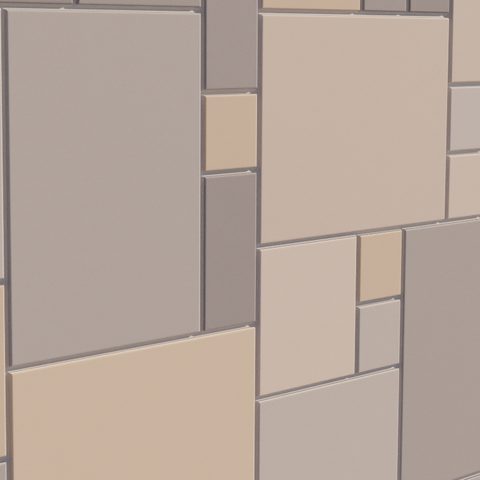
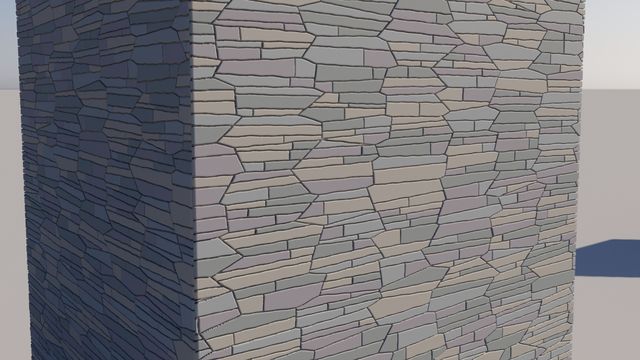
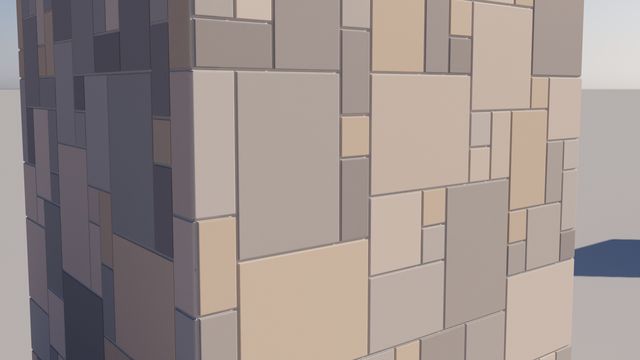
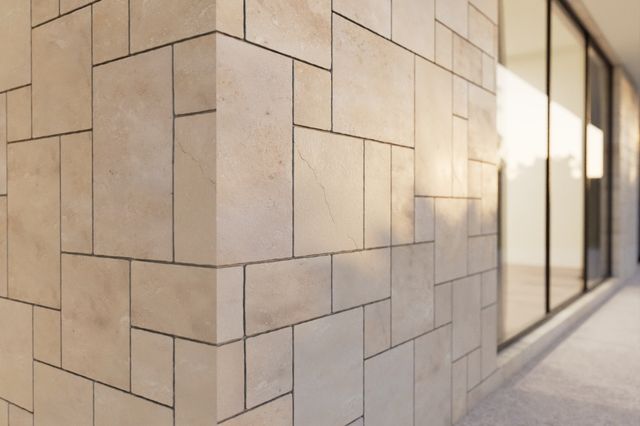
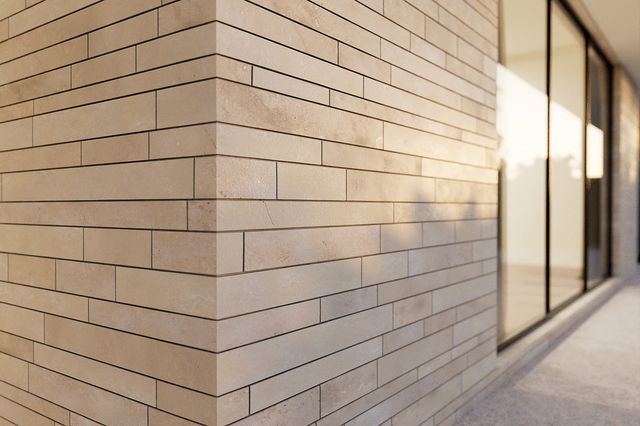
Coursed, random and French-pattern stone.
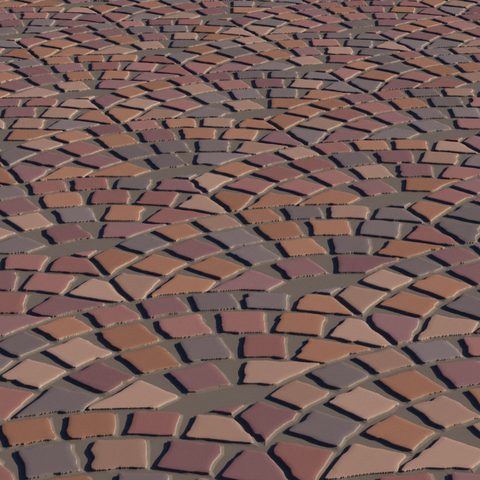
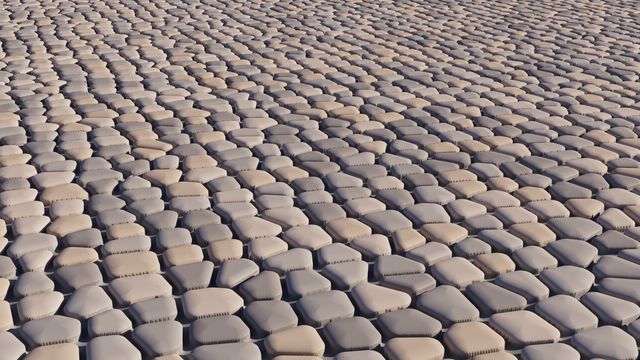
Cobble fans, porphyry, radial paving, fish scale.
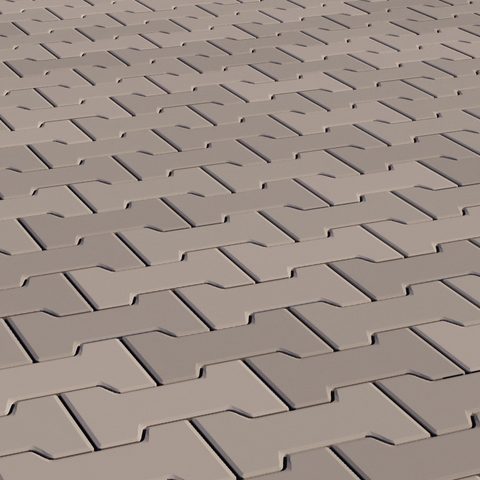
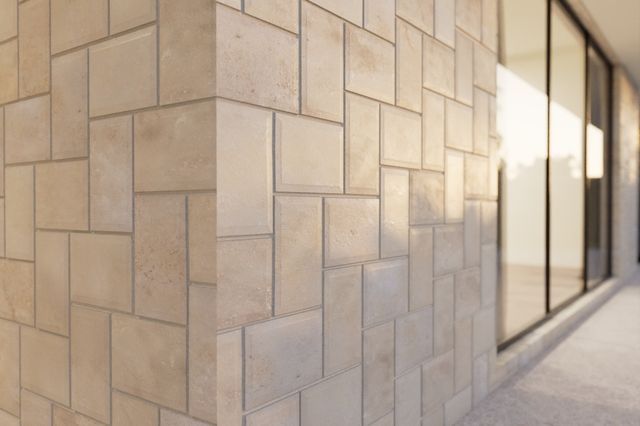
Hopscotch, basketweave, windmill, Uni and dogbone pavers.
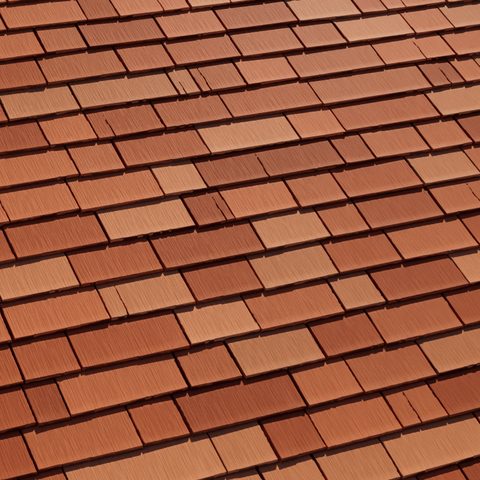
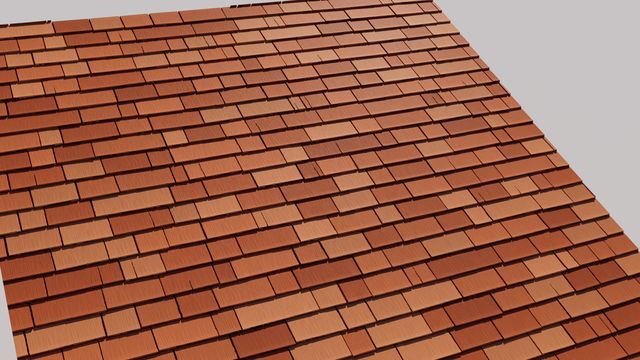
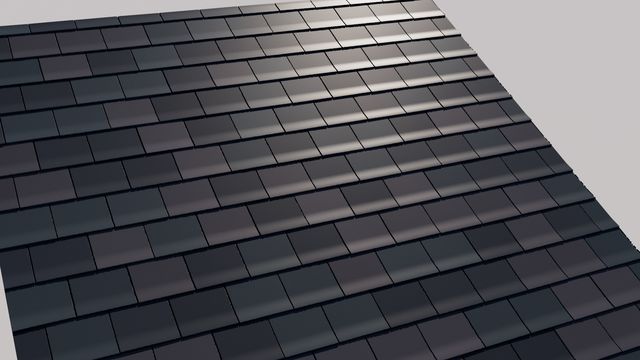
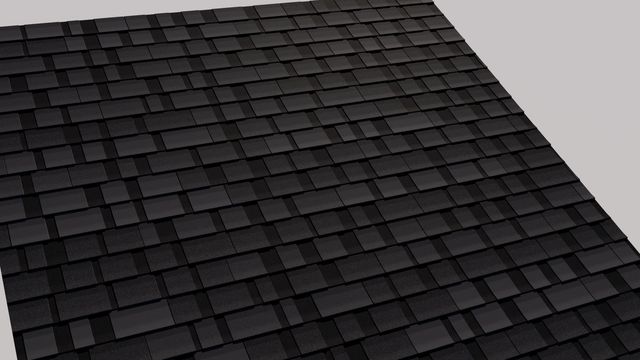
Cedar, slate and asphalt, with layered thickness.
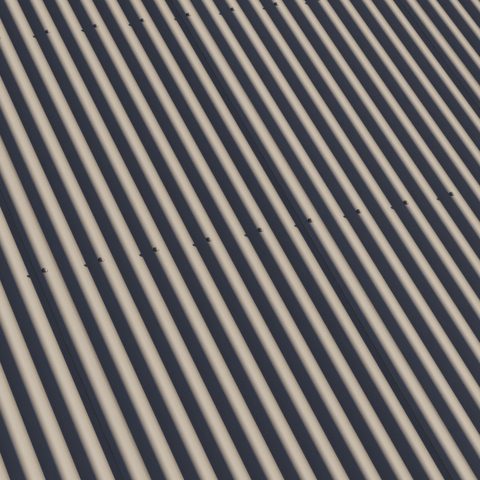
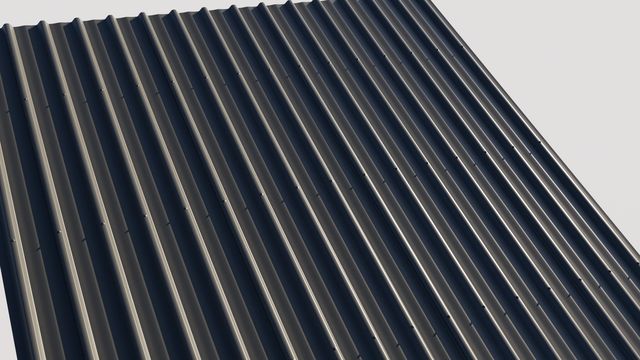
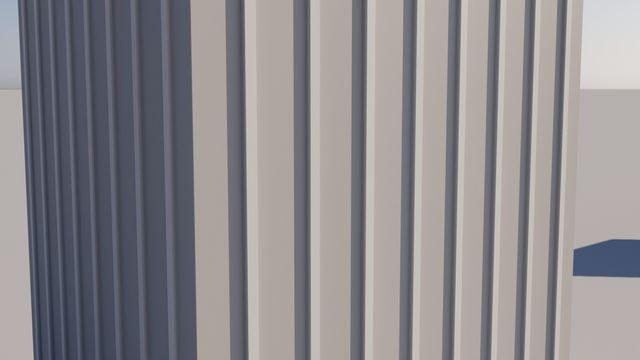
Industry roofing profiles and colours, with laps and fixings.
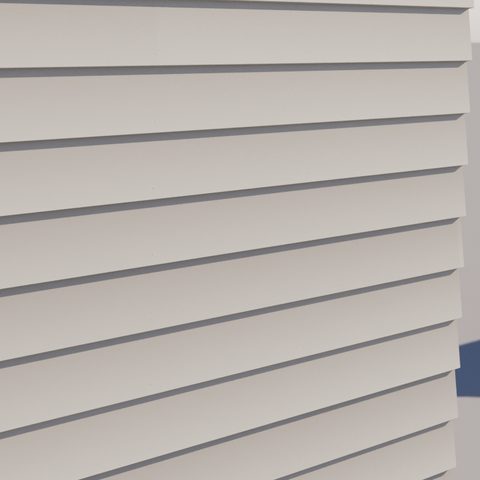
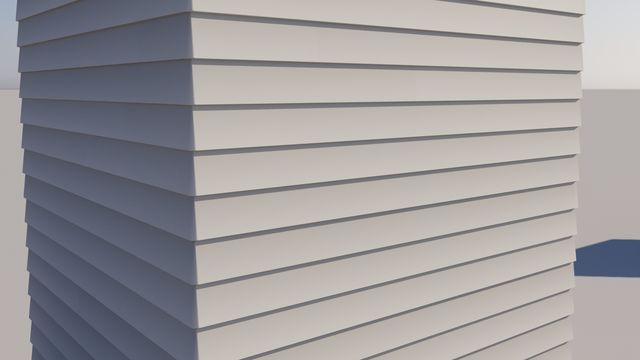
Weatherboards, shiplap, grooved panels, board and batten.
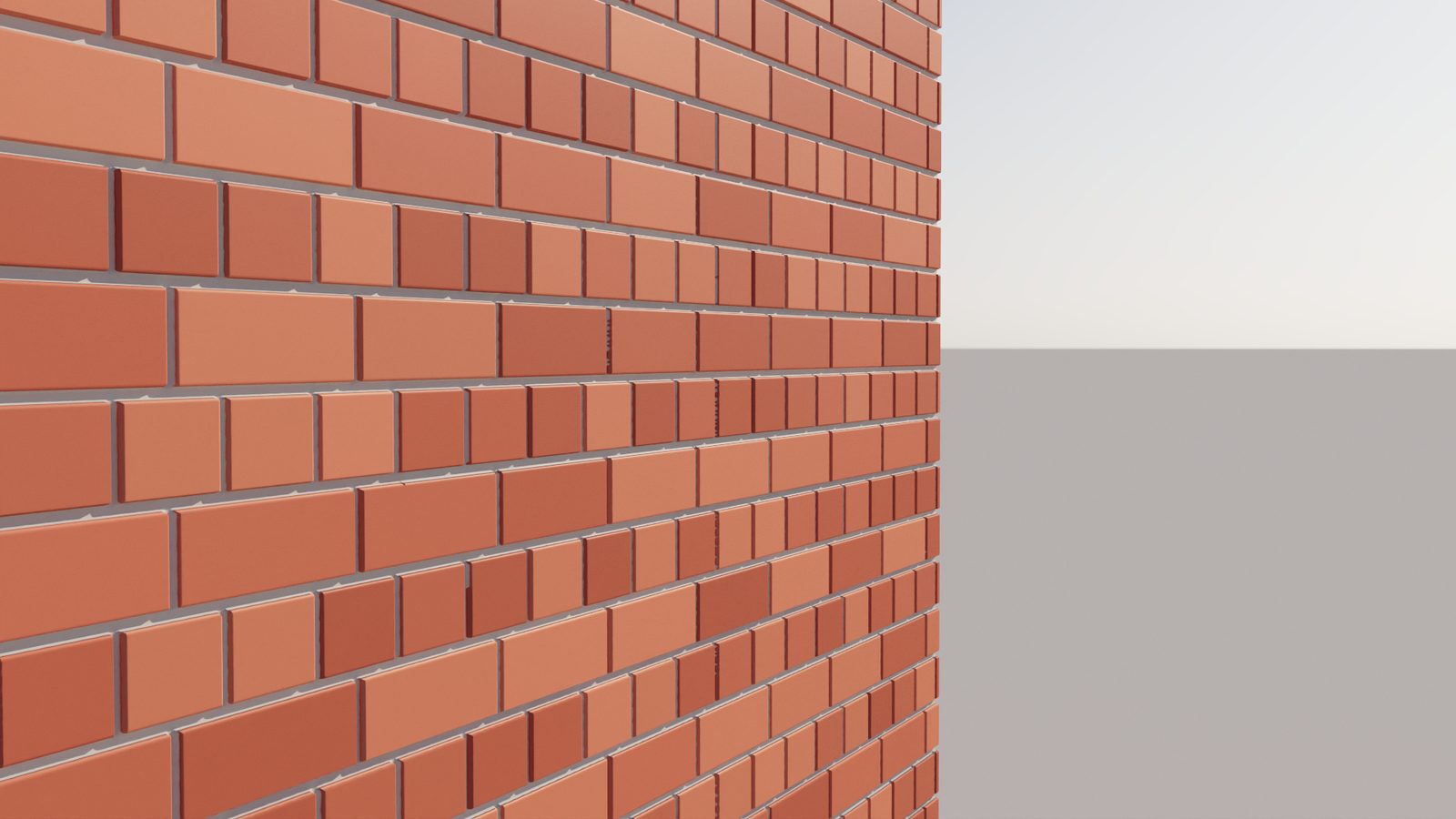
The original was built for bump. v2 is built for displacement: joints meet smoothly in the middle, edges stay clean, and tilted bricks stay flat.
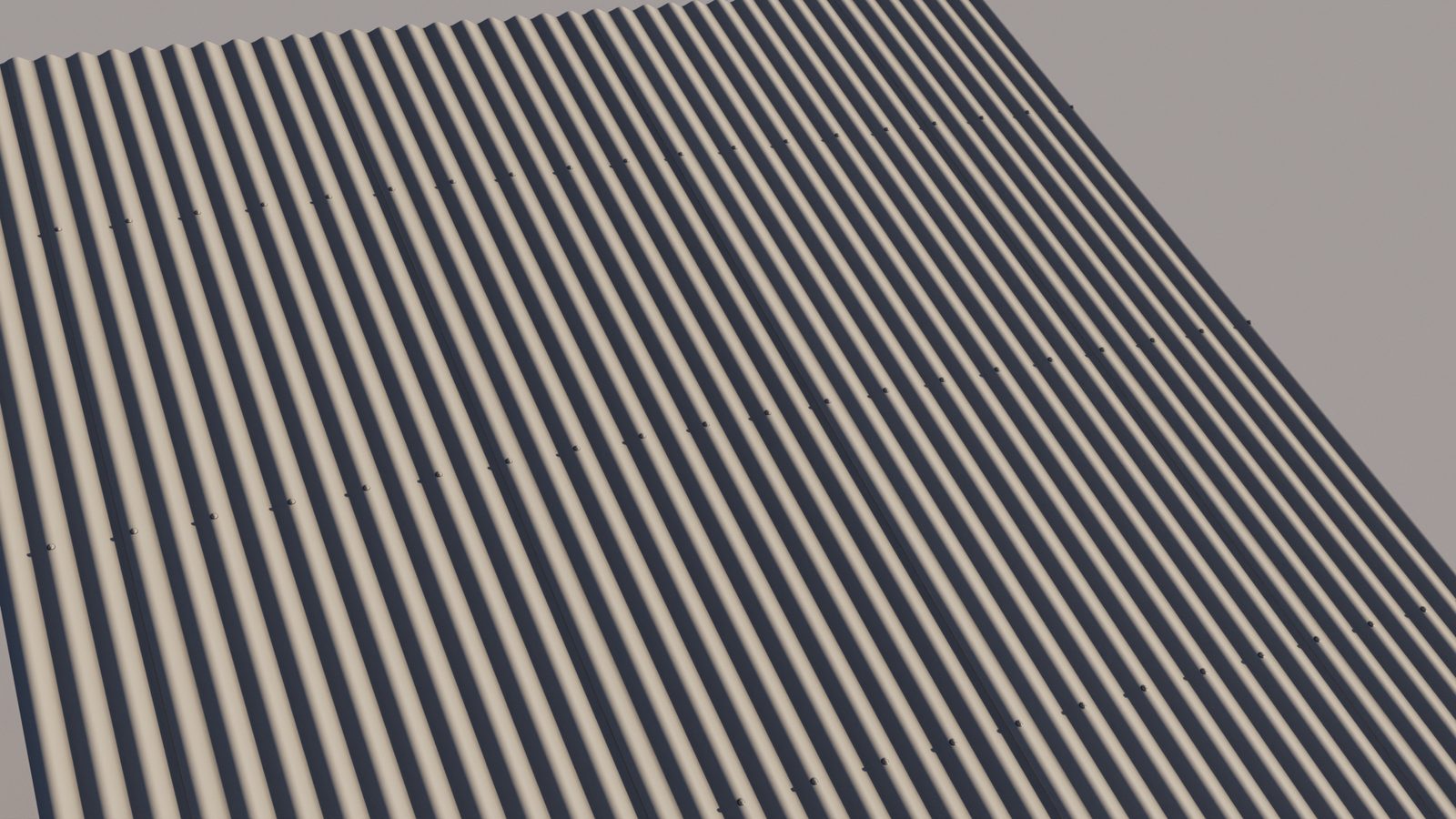
Shingles overlap with real thickness. Sheet metal uses industry roofing profiles and colours, with laps and fixings. Cladding boards interlock the way they are installed.
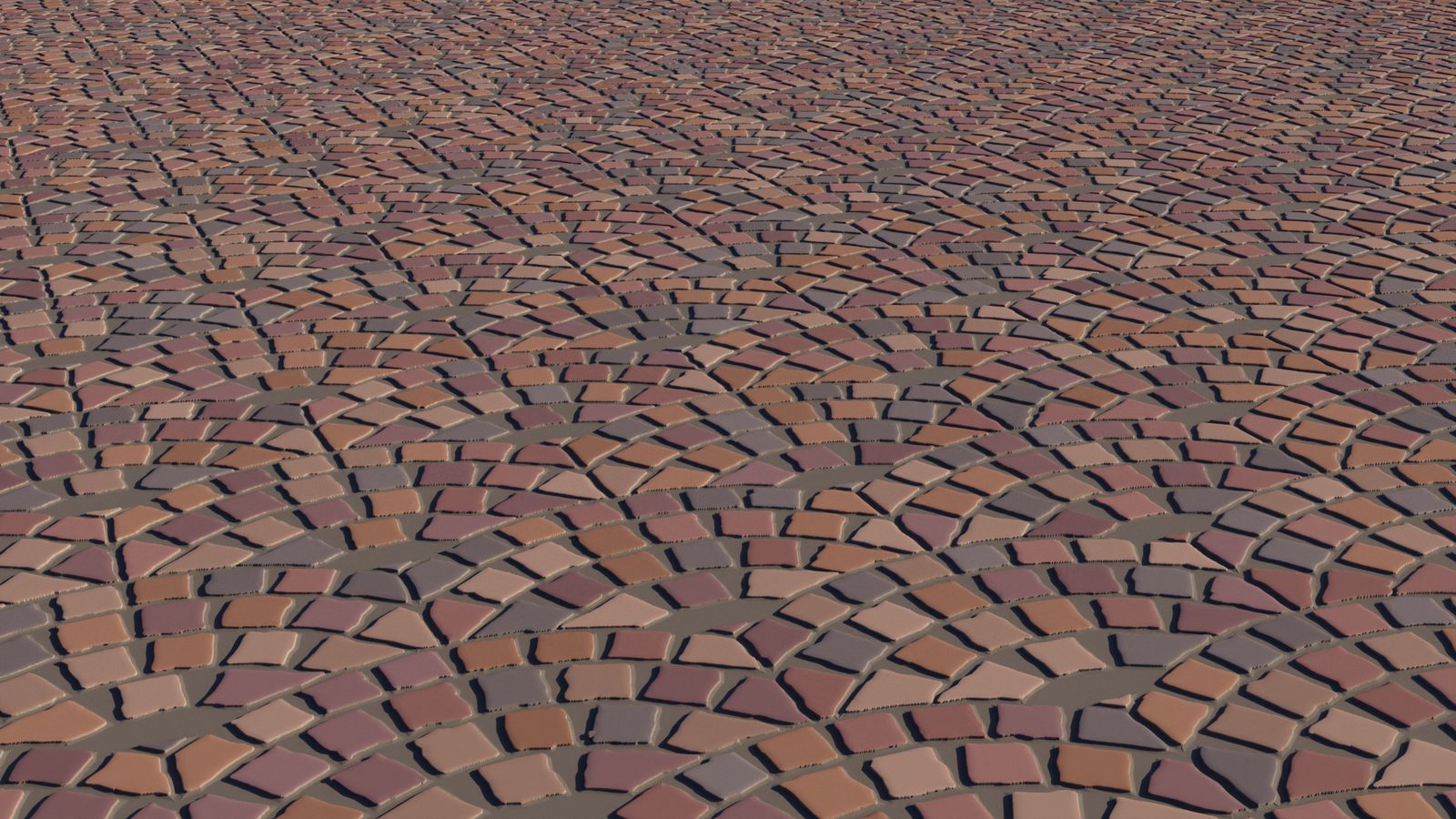
More than 130 presets modelled on real products. Set one UV to one metre and bricks, pavers and boards come in at true size. A preset editor in 3ds Max lets you save your own.
Open any shader to see what it does. Start with the first entry: those controls are shared by every tile shader.
| MW Tiles | MW Tiles v2 | |
|---|---|---|
| Shaders | 5 tile shaders | 10 shaders, plus two normal-map nodes |
| Surfaces | Floors and walls | Floors, walls, roofs and cladding |
| Presets | A starter set in Advanced Tiles | 130+ across every shader, at real scale, with a preset editor |
| Displacement | Best with bump | Tuned for displacement: clean edges, fitted joints, no clipping |
| Grout | Falloff curve per side | Profile fitted to the joint: concave, V, flush or beaded |
| Seamless tiling | Experimental | Built into every tile shader, with an on-screen guide |
| Wear and variation | Edge wear, colour variance | Adds tumbled edges, chips, tilt, height offset, rough-cut edges |
| Your own textures | Per-tile UVs | Adds random flip and rotation, normal output and normal-map fixing |
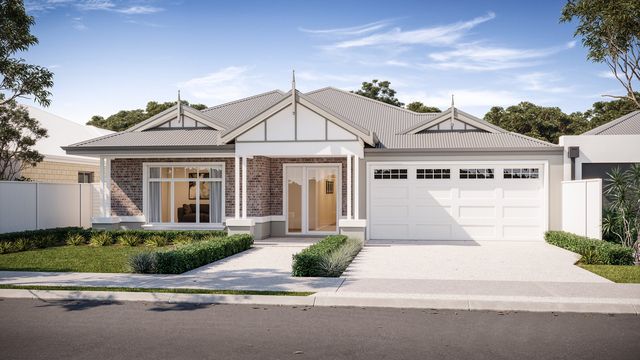
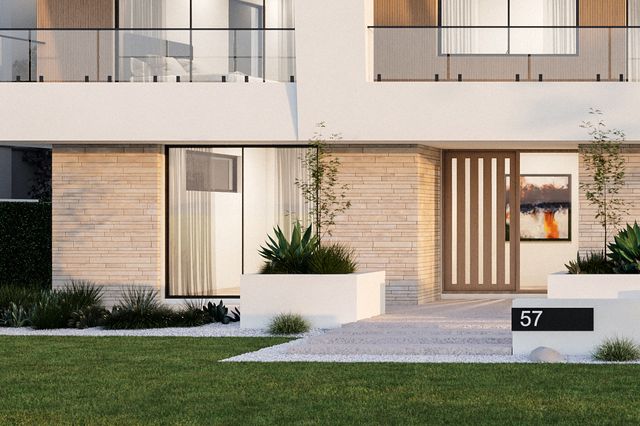
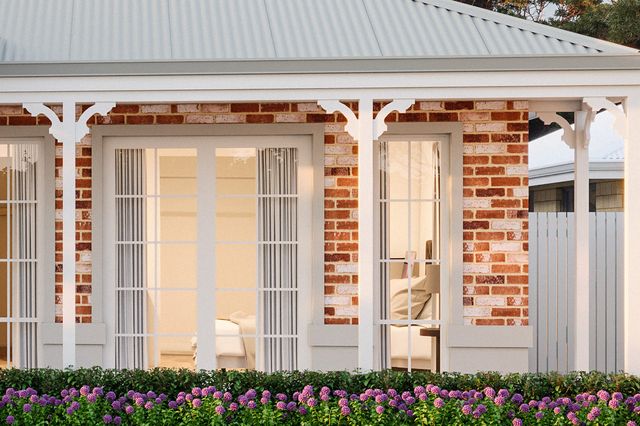
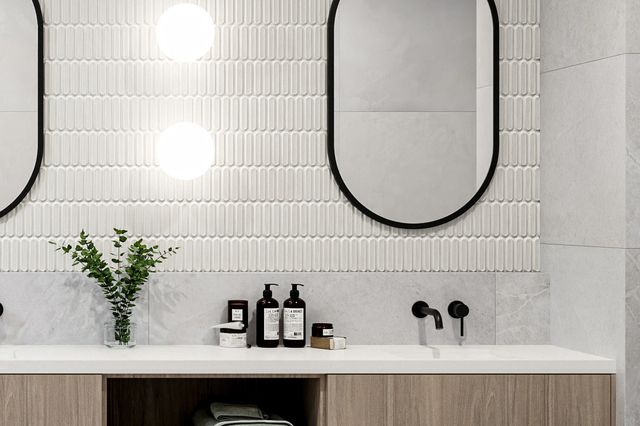
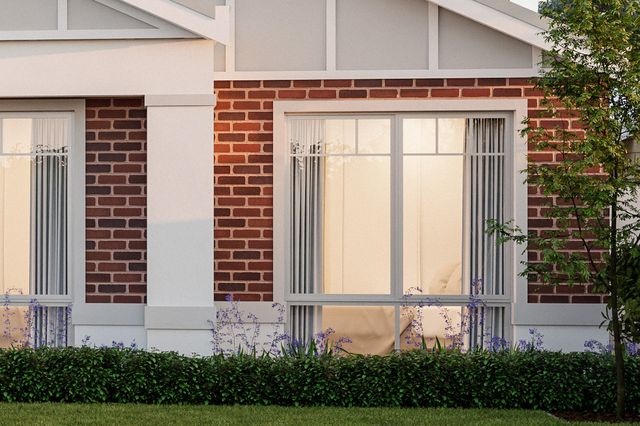
Production renders, and shipped presets rendered with displacement straight from the shaders.
Any renderer that supports OSL in 3ds Max, including V-Ray, Corona and Arnold.
v2 is built and tested in 3ds Max 2027.
Yes. v2 installs alongside the original under its own names, so existing scenes keep rendering exactly as they did.
Soon. Follow on YouTube to hear the moment it lands.
Follow on YouTube for the release and walkthroughs. The original MW Tiles is available today.